
AI is getting smarter—but most people are still managing prompts the wrong way.
If you're serious about using ChatGPT, Claude, or image models in real workflows, prompt management becomes a bottleneck surprisingly fast. Copy-paste breaks. Context gets lost. Versions drift.
That's why prompt management tools are becoming a must-have.
In this article, we'll cover the top 5 prompt management tools you should use in 2025, and—more importantly—how to choose the right one depending on how advanced your workflow is.
What Is a Prompt Management Tool?
A prompt management tool helps you:
- Store and organize prompts systematically
- Reuse prompts across tasks and tools
- Add variables and parameters
- Iterate and improve prompts over time
- Share prompts privately or publicly
In short: it turns prompts from throwaway text into reusable assets.
Top 5 Prompt Management Tools (Quick Overview)
| Tool | Best For | Core Strength |
|---|---|---|
| PromptLayer | Developers | Prompt versioning & analytics |
| LangSmith | AI engineers | Debugging & tracing |
| PromptHub | Teams | Shared prompt libraries |
| FlowGPT | Inspiration | Community prompts |
| PromptVault | Power users & creators | Structured, reusable prompt cards |
1. PromptLayer – Best for Production Prompt Tracking

Best for: Developers shipping AI features
PromptLayer is designed to track prompts in live environments. It logs prompt versions, model outputs, and performance metrics.
Use it if your prompts directly affect application behavior and you need observability.
Limitation: Not designed for daily prompt creation, ideation, or creative workflows.
2. LangSmith – Best for Complex LLM Workflows

Best for: Advanced AI pipelines
LangSmith excels at debugging chains of prompts. If your workflow includes multiple LLM steps, tools, and agents, it provides deep visibility.
Use it if you're building multi-step LLM systems.
Limitation: Overkill for individual creators or prompt-heavy daily work.
3. PromptHub – Best for Team-Based Prompt Sharing
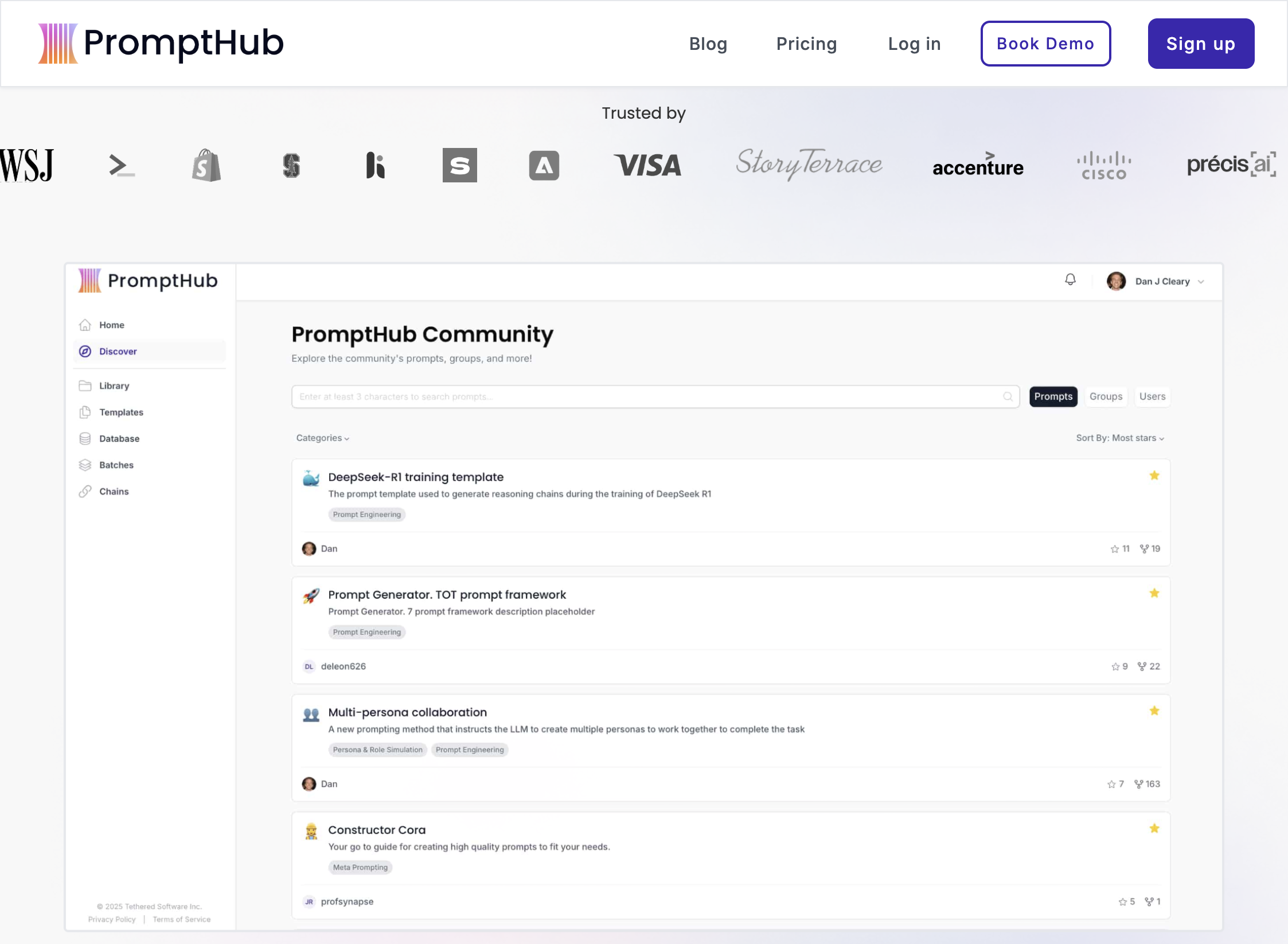
Best for: Agencies, startups, internal teams
PromptHub focuses on collaboration: shared folders, permissions, and standardized prompts.
Use it if your biggest problem is team alignment.
Limitation: Prompts are still largely treated as static text, not modular assets.
4. FlowGPT – Best for Prompt Discovery
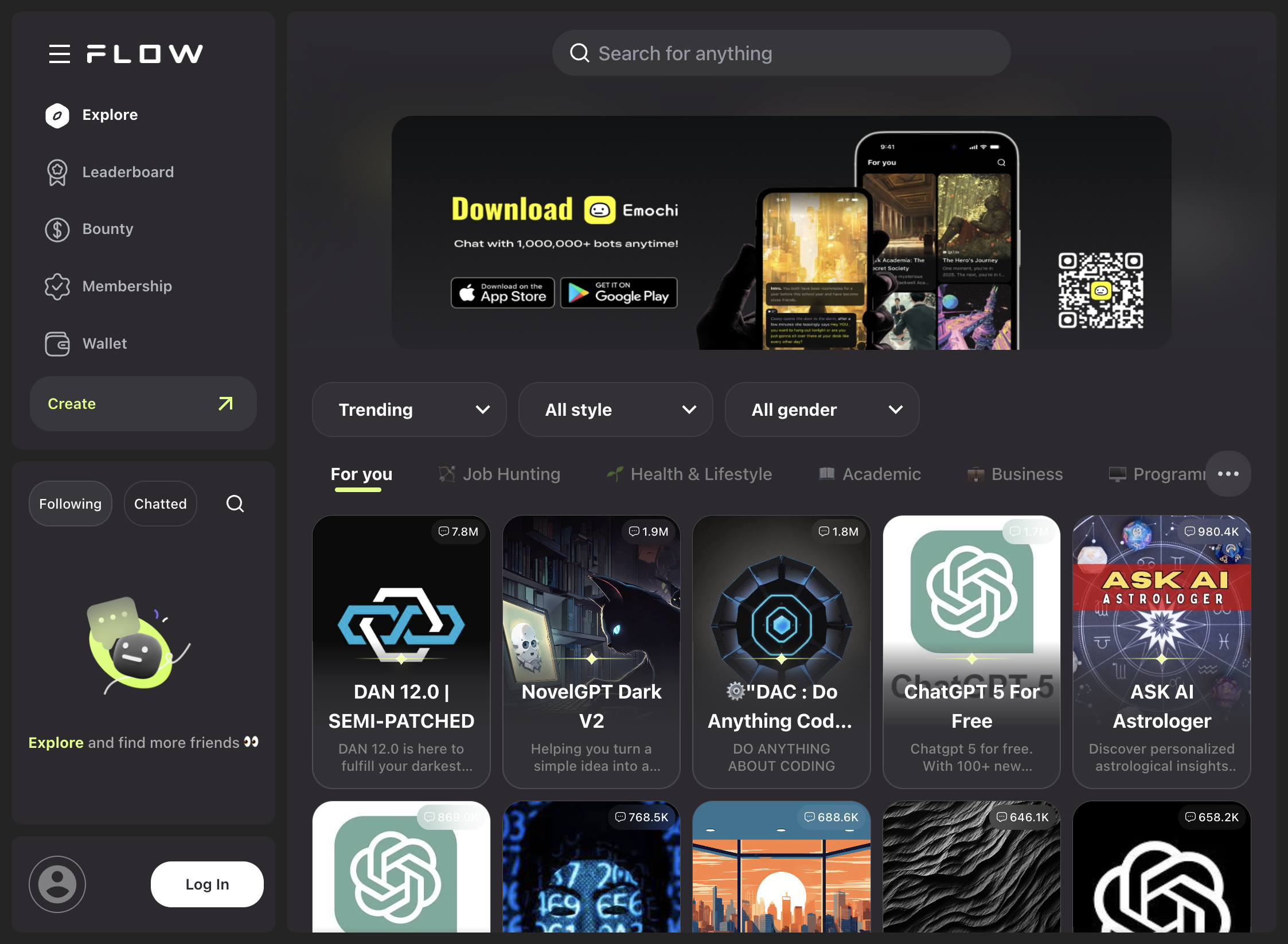
Best for: Learning & inspiration
FlowGPT is a massive community-driven prompt library. It's excellent for discovering what's possible and learning prompt patterns.
Use it if you're exploring or experimenting.
Limitation: Not suitable for managing your own prompt system.
5. PromptVault – Best for Structured Prompt Reuse (Power Users)
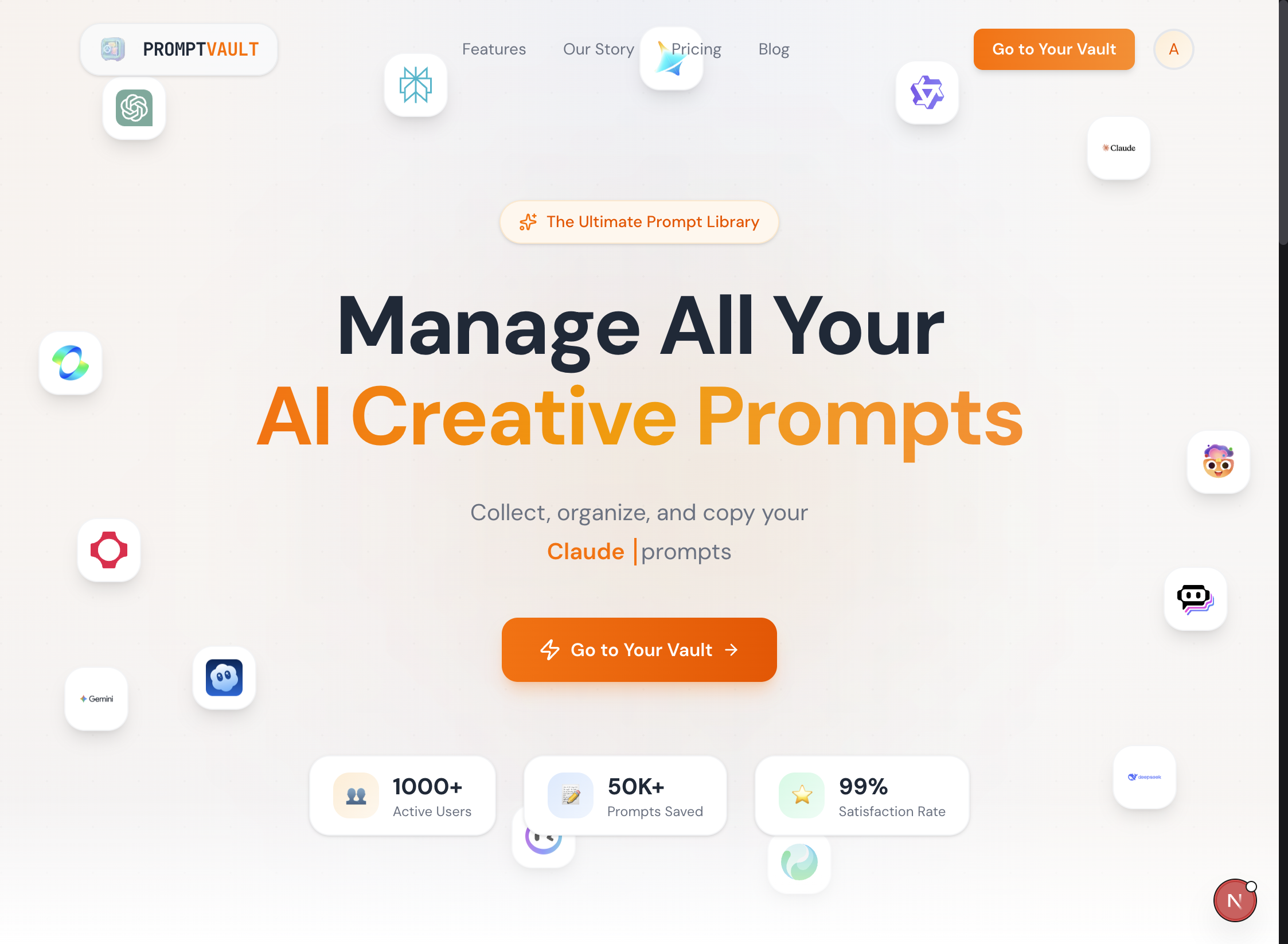
Best for: Prompt engineers, creators, advanced AI users
Most tools treat prompts as text.
PromptVault treats prompts as systems.
Instead of saving raw prompts, you create Prompt Cards with:
- Named variables
- Reusable prompt blocks
- Tags and categories
- Personal and public libraries
This makes prompts repeatable, adjustable, and scalable—especially when you're using the same prompt structure across different contexts.
Why PromptVault Fits Advanced Workflows
As your usage matures, a pattern emerges:
You don't want more prompts. You want fewer, better, reusable ones.
PromptVault is built for that stage.
Ideal for:
- Content creators using prompt frameworks
- Designers working with consistent image styles
- Builders who reuse prompt logic across tools
- Anyone tired of copy-paste prompt chaos
How to Choose the Right Prompt Management Tool
Here's the honest breakdown:
- Building an AI product? → PromptLayer / LangSmith
- Managing prompts as a team? → PromptHub
- Learning prompt techniques? → FlowGPT
- Turning prompts into reusable assets? → PromptVault
Many experienced users end up using two layers:
- One tool for debugging / production
- One tool for prompt creation and reuse
Prompt Management Is a Maturity Curve
Most people start here:
- Notes app
- Google Docs
- Chat history
Then they hit friction:
- "Which version worked?"
- "Where did that prompt go?"
- "Why does this break when I reuse it?"
Prompt management tools exist because prompting scales faster than memory.
Final Takeaway
The best AI users don't just write prompts.
They:
- Structure them
- Reuse them
- Iterate intentionally
If you're reaching the point where prompts feel like assets, not experiments, it might be time to treat them that way.
That's where tools like PromptVault naturally fit.
Ready to organize your prompts? Try PromptVault for free →